ALAN‑15 Kiosk

$ 493

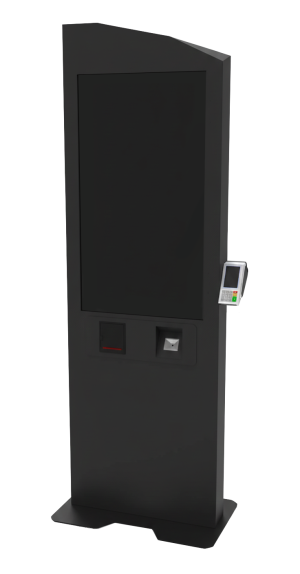
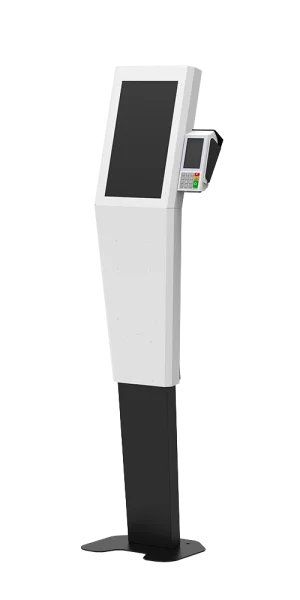
The ALAN digital kiosk is a modern response to the growing demand for smart services in public, organizational, and commercial environments. With its ergonomic design, durable structure, and high‑quality 15‑inch display, it delivers a seamless and intuitive user experience.

Its compact dimensions, visual appeal, and high‑quality construction make ALAN a reliable choice for equipping banks, hospitals, retail stores, service centers, and exhibition venues.

ALAN — the smart choice for professional environments
ALAN‑19 Kiosk

$ 459

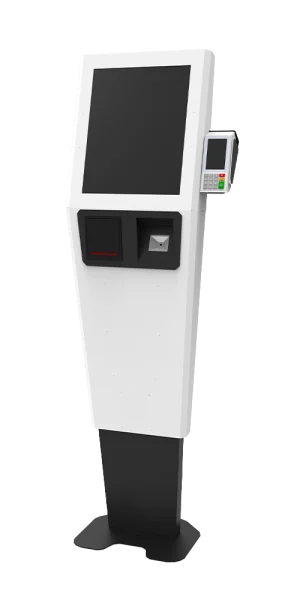
The ALAN digital kiosk is a modern solution designed to meet the growing demand for smart services in public, organizational, and commercial spaces. With its ergonomic design, durable structure, and high‑quality 19‑inch display, it delivers a flawless and intuitive user interaction experience.

Its well‑balanced dimensions, attractive visual design, and premium build quality make ALAN a reliable choice for equipping banks, hospitals, retail stores, service centers, and exhibition environments.

ALAN — the smart choice for professional environments.

ALAN‑22 Kiosk

$ 571

The ALAN Digital Kiosk is a modern solution designed to meet the growing demand for smart services in public, organizational, and commercial environments. Featuring an ergonomic design, durable structure, and a high‑quality 22‑inch display, it delivers a seamless and efficient user interaction with technology.

With its balanced dimensions, appealing visual design, and high build quality, ALAN is a reliable choice for equipping banks, hospitals, retail stores, service centers, and exhibition spaces.

ALAN — the smart choice for professional environments.

ALAN‑24 Kiosk

$ 707
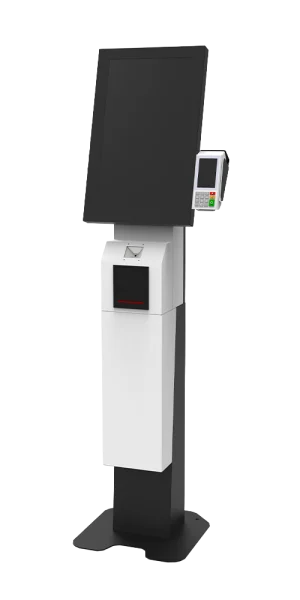
The ALAN Digital Kiosk is a modern solution to the growing demand for smart services in public, organizational, and commercial environments. With its ergonomic design, durable structure, and high‑quality 24‑inch display, it delivers a seamless and user‑friendly technology interaction experience.

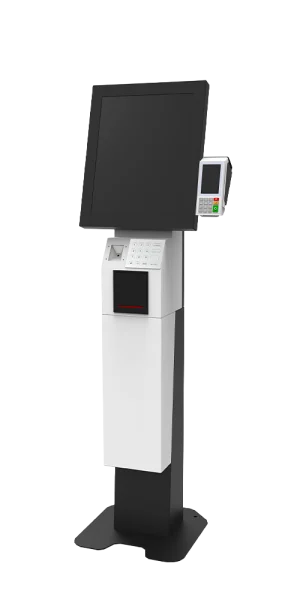
BERT-22 Kiosk

$ 563

Advanced, Flexible, and Multi‑Purpose

BERT is another innovative product by Resa Kiosk, designed with optimized engineering and versatile features to provide a reliable solution for smart services in both public and specialized environments.

Equipped with a 22‑inch touch display, a durable structure, and support for various peripherals, this kiosk is an excellent choice for banks, service centers, retail stores, and exhibitions.

Its modular design, customization options, and smooth performance make BERT an ideal solution for professional and future‑oriented projects.
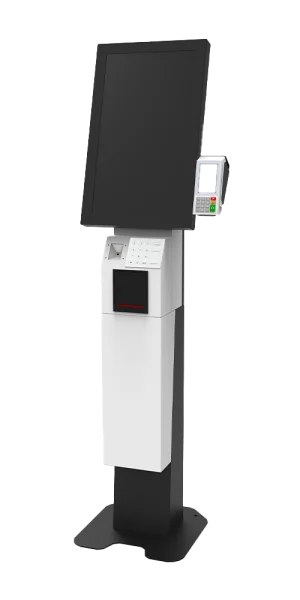
BERT‑19 Kiosk

$ 466

Advanced, Flexible, and Multi‑Purpose

BERT is another innovative product by Resa Kiosk, designed with optimized engineering and versatile features to deliver reliable smart services in both public and specialized environments.

Equipped with a 19‑inch touch display, a durable structure, and support for a wide range of peripherals, this kiosk is an ideal choice for applications such as banks, service centers, retail stores, and exhibitions.

Its modular design, customization options, and smooth performance make BERT a perfect solution for professional and future‑focused projects.
 

BERT‑24 Kiosk

$ 723
BERT 24‑inch Standing Touch Kiosk with Peripheral Equipment Support

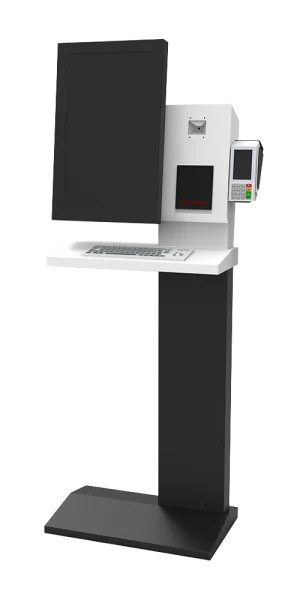
CASPER‑15 Kiosk

$ 471

The CASPER kiosk is a specialized product from Rasa Kiosk, specifically engineered to support e‑government initiatives. Featuring a standardized, durable, and aesthetically refined design, along with 15‑inch and 22‑inch displays, it delivers a modern and user‑friendly experience for public and banking services.

The integration of a physical keyboard enables faster and more convenient data entry and payment processing for citizens. Additionally, the ability to equip the kiosk with various modules such as a card reader, barcode scanner, and receipt printer makes it a flexible and reliable solution for government organizations and public institutions.

With its robust structure, ergonomic design, and modern appearance, CASPER performs efficiently in high‑traffic environments while enhancing the professional and organized look of administrative and service spaces. These features position CASPER as a key enabler of e‑government, providing secure, fast, and contactless access to services such as bill payments, municipal service platforms, basic banking operations, and organizational processes.
CASPER‑22 Kiosk

$ 581
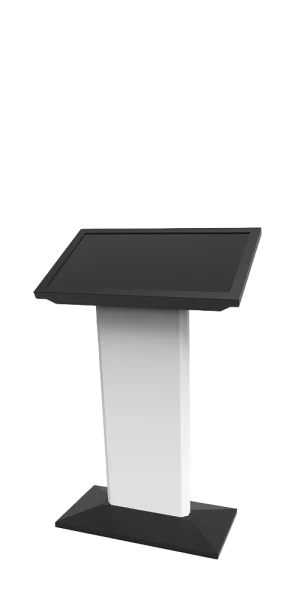
The CASPER Kiosk is a specialized product from Rasa Kiosk, specifically designed to support e‑government initiatives.

DESIRES‑32 Kiosk

$ 715

The DESIRES product is part of the smart kiosk series by Rasa Kiosk, available with 32‑inch and 43‑inch displays, and is specifically designed for order‑taking processes in service centers, retail stores, and restaurants.

With its modern, ergonomic design based on current standards, this device provides a smooth and user‑friendly experience for all visitors. Users can easily interact with the kiosk and place their orders without requiring any prior training.

DESIRES‑43 Kiosk

$ 891
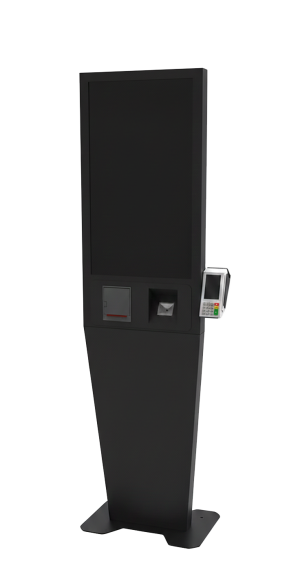
DESIRES 24″ Standing Touch Kiosk with Support for Add‑On Accessories

HILDA-32 Kiosk

$ 723

HILDA Kiosk is one of the innovative products of Rasa Kiosk, featuring a modern design and large displays in 22‑inch, 32‑inch, and 43‑inch sizes. It provides an efficient solution for centers that require effective information delivery, self‑service operations, and streamlined sales processes.

This device, in addition to fully supporting electronic payment operations, is capable of delivering a wide range of services—from displaying information and advertisements to providing organizational and retail services. Its flexible design and the ability to equip it with various modules such as a card reader, barcode scanner, and receipt printer make HILDA a reliable choice for organizations seeking a combination of wide visual display and user‑friendly interaction.
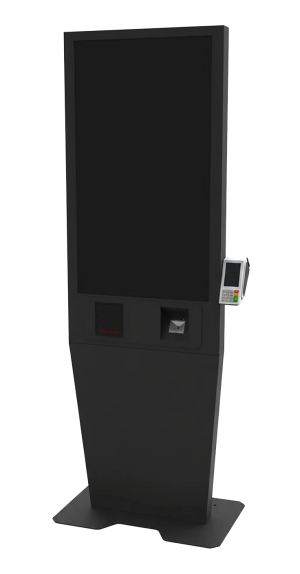
HILDA-43 Kiosk

$ 895
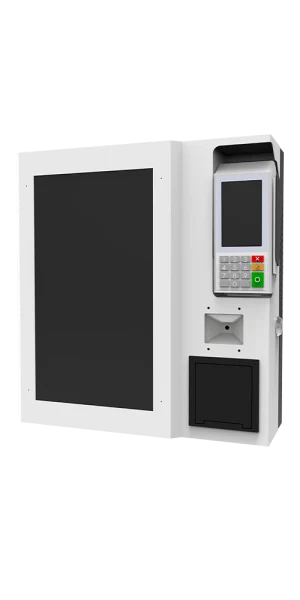
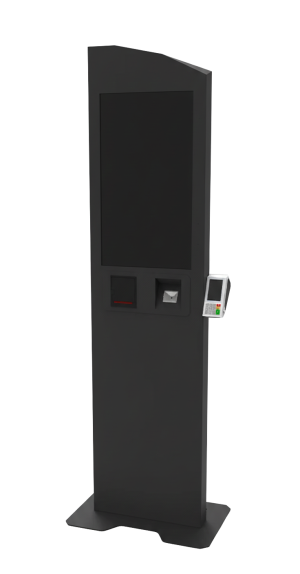
24-inch HILDA floor-standing touch kiosk with support for additional peripheral devices

STATURE‑43 Kiosk

$ 900
The combination of modern and minimalist design with advanced capabilities makes STATURE an ideal choice for organizations, commercial centers, and enterprises seeking to deliver electronic services, professional information displays, and smart advertising.

Know These Important Points Before Buying a Touch Kiosk (Complete Guide)

Purchasing a touch kiosk is one of the strategic decisions for businesses that want to enhance customer experience, speed up processes, and manage operational costs at the same time. In recent years, the use of these devices has grown significantly both in Iran and worldwide. According to reputable reports (such as Grand View Research), the global self‑service kiosk market has experienced substantial growth and is expected to continue expanding at a notable compound annual growth rate in the coming years. This growth reflects a shift in customer behavior toward contactless and automated interactions, especially after the pandemic and the increased demand for faster and safer services.

In the following sections, we will focus on the key and practical aspects of purchasing a touch kiosk so you can make an informed decision that truly matches your needs.

Types of Touch Kiosks

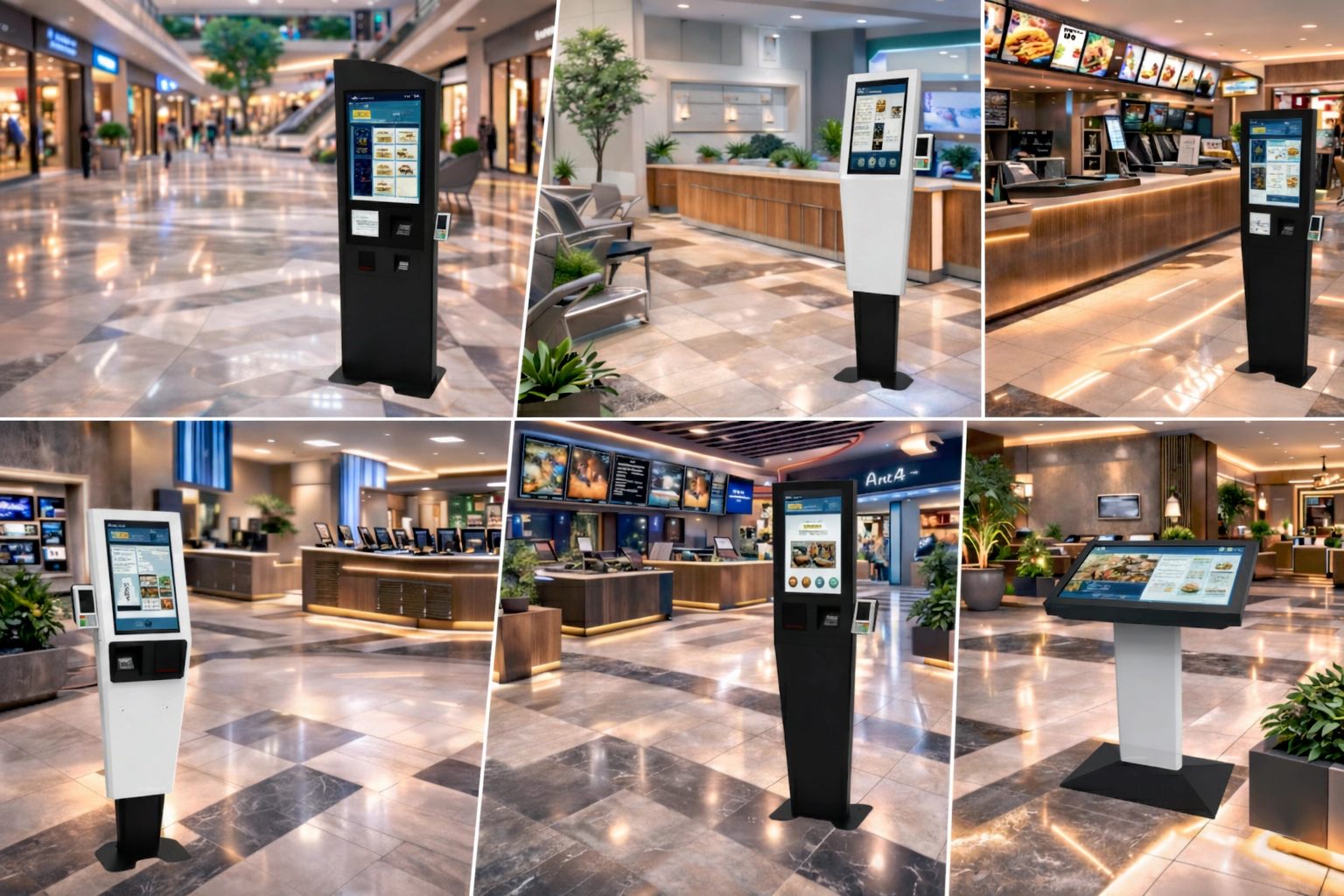
When it comes to purchasing a touch kiosk, the first step is understanding the main types available. Each type is designed for specific environments, use cases, and budgets, and choosing the wrong one can lead to wasted investment or poor performance.
خرید کیوسک لمسی رسا کیوسک

Floor Standing Touch Kiosk is the most common option in public spaces. Its suitable height makes it visible from a distance and provides easier access for average-height users, children, or wheelchair users in ergonomic models. These kiosks are widely used in banking projects and queue management kiosks because they allow the integration of receipt printers, card scanners, cameras, and POS devices. In high-traffic environments such as shopping centers or hospitals, physical stability and impact resistance are extremely important.

Wall-Mounted Touch Kiosk is ideal for limited spaces where you do not want to occupy floor area. These models are usually installed at an appropriate height and take up less space. They are especially popular in restaurants and fast-food outlets as food ordering kiosks, because customers can place orders while standing without the need for a separate table. The main disadvantage is the need for a strong wall for installation; otherwise, vibration or sagging may occur.

Countertop Touch Kiosk is placed on a counter or desk and is more suitable for controlled environments such as pharmacies, hotel reception areas, or cashless kiosks in small stores. The screen size is usually moderate and supports fewer peripheral devices. Its main advantages are lower cost and easy installation, but in busy locations it may be easily moved or damaged.

Advantages of Touch Kiosks

Using a smart touch kiosk offers tangible benefits that go far beyond being a passing trend. Based on experience from numerous projects, the most significant advantage is the substantial reduction in customer waiting time. For example, in a busy food court where customers previously had to stand in long lines, a food ordering kiosk can dramatically shorten the waiting process.

Another key benefit is reduced reliance on human staff and savings in personnel costs, especially during night shifts or peak hours. At the same time, improved order accuracy minimizes human errors. These devices enable 24/7 service without the need for on-site employees and collect valuable customer behavioral data, providing powerful insights for managerial decision-making. Additionally, creating a modern user experience increases customer loyalty while streamlining the payment process through integration with banking gateways and support for cashless transactions.

Kiosks also contribute to higher average sales by intelligently displaying complementary product suggestions. Furthermore, they eliminate recurring costs such as printing menus or updating paper-based price lists, thanks to instant digital updates.

Rasa Kiosk Touch Kiosk Specifications

Rasa Kiosk is a well-known domestic manufacturer offering a variety of modular-designed models. Popular models include:

  • BERT – Ideal for banking and queue management applications, with support for card readers and receipt printers.
  • DESIRES and HILDA – Designed for food ordering and information services, featuring durable bodies and optional audio capabilities.
  • ALAN – A compact design suitable for pharmacies and small retail stores.

These models are typically available with Android or Windows operating systems, capacitive touch screens, customizable body colors, and optional peripheral equipment. They are usually delivered with warranty coverage and software support.

Touch Kiosk Screen Sizes

Screen size directly impacts user experience and application efficiency. Smaller screens are sufficient for simple tasks such as queue management or quick payments. However, for food ordering kiosks or visual menu displays, larger screens provide a more engaging experience and make it easier for customers to browse and select items. For most businesses in Iran, medium-sized displays offer the best balance between performance and cost.

Types of Touch Kiosk Stands and Bases

The stand or base of a kiosk plays a crucial role in stability, safety, and user comfort. Metal bases with electrostatic powder coating (anti-rust) typically offer greater durability. Some models are designed with triangular or square structures that provide higher resistance against tipping—an especially important feature in high-traffic environments or spaces frequented by children.

Height-adjustable models can offer better accessibility for different users, although they usually increase the overall cost.

Frequently Asked Questions About Purchasing and Using Kiosks

Does a touch kiosk work with gloves?

It depends on the type of touch technology. PCAP usually works with thin gloves, but for thick gloves it is better to use IR touch or specialized models designed for glove use.

What is the difference between Android and Windows kiosks

Android kiosks are generally more affordable, more energy‑efficient, and suitable for simpler applications.Windows kiosks offer greater flexibility for complex or specialized software, but they are typically more expensive and generate more heat / consume more power.

How long does it take to achieve return on investment (ROI) for a kiosk?

In high-traffic environments (such as restaurants, pharmacies, and banks), the return on investment is typically achieved relatively quickly.In low-traffic locations, however, the payback period may take longer.

Can I install custom software on the kiosk?

Yes. Most kiosk models support Kiosk Mode, allowing you to install and run custom applications.You just need to coordinate with the supplier to ensure compatibility and proper configuration.

Is a kiosk suitable for outdoor use?

Yes, but it requires a dedicated outdoor model. These kiosks are built with high protection ratings (IP-rated enclosures), anti‑glare screens, and weather‑resistant materials.However, they are more expensive and must be properly protected from direct sunlight, rain, and temperature extremes to ensure stable performance and longevity.

Informed Selection: Final Tips Before Buying a Kiosk

Ultimately, purchasing a touch kiosk becomes a successful investment only when the device is selected precisely according to the real needs of the business, the installation space, visitor volume, and the type of service provided. Paying attention to factors such as kiosk type, display size, body durability, peripheral features, and technical support helps you choose a device that performs well in the short term and does not create unnecessary costs in the long term.

If you review these points carefully before making a purchase, you will not only improve your customers’ experience, but also significantly increase service speed, workflow organization, and even the overall sales of your business.

Our representatives’ affairs specialists are available to answer your questions.